Help
Choose a topic:
For more details, access the RCS documentation.
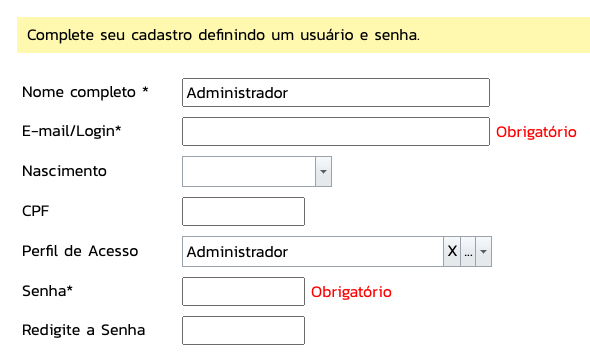
On your first access, it is recommended that you complete your registration. Click on the icon  that will appear.
Fill in the required fields and click Save:
Access the SMS promotion panel through the icon  available on the sidebar of the service screen.
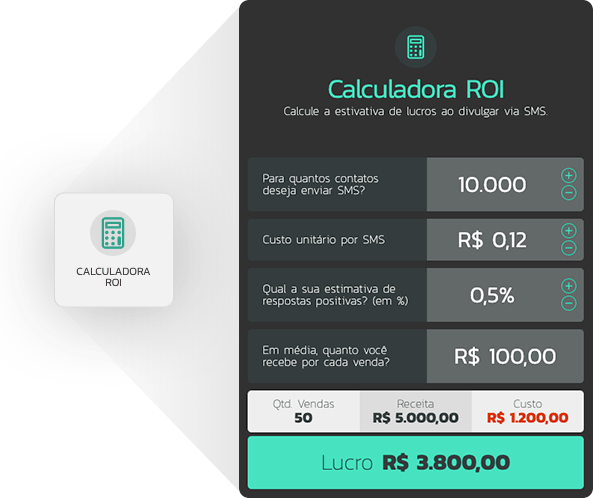
Use the ROI calculator if you need help to know how much to invest in promotion for the desired return.
Define the target audience for your campaign:
Define your message, schedule, and payment:
Done!
Your marketing will be scheduled and sent within the defined parameters.